 SpiritSpark
What is SpiritSpark?
SpiritSpark is a calm Christian app from Knox Studios for a daily Bible verse, a short guided prayer, Bible reading, and free Scripture audio. It is a quiet start, without a course library, a social feed, or an account.
SpiritSpark · Knox Studios
Daily Bible verse, a short guided prayer, and Scripture audio. No account required.
Type a Bible reference and this page fetches the passage in the King James Version, the World English Bible, or the American Standard Version. You can also open a verse for today’s date. SpiritSpark, the app, keeps a daily verse, a short guided prayer, and free Scripture audio on your phone.
For God so loved the world, that he gave his only begotten Son, that whosoever believeth in him should not perish, but have everlasting life.
Passage text is public domain, fetched from bible-api.com when you ask for it. The verse for this date is a reading chosen on this page. It is not always the same line as Today inside the app. ESV audio lives in SpiritSpark, not in this desk.
SpiritSpark is a calm Christian app for a daily Bible verse, a short guided prayer, Bible reading, and free Scripture audio.
Open it and you are on Today. Move to the next verse, begin a prayer that fits the hour, read a chapter, or listen. Knox Studios built it for a quiet start. There is no course library, no social feed, and no account wall.
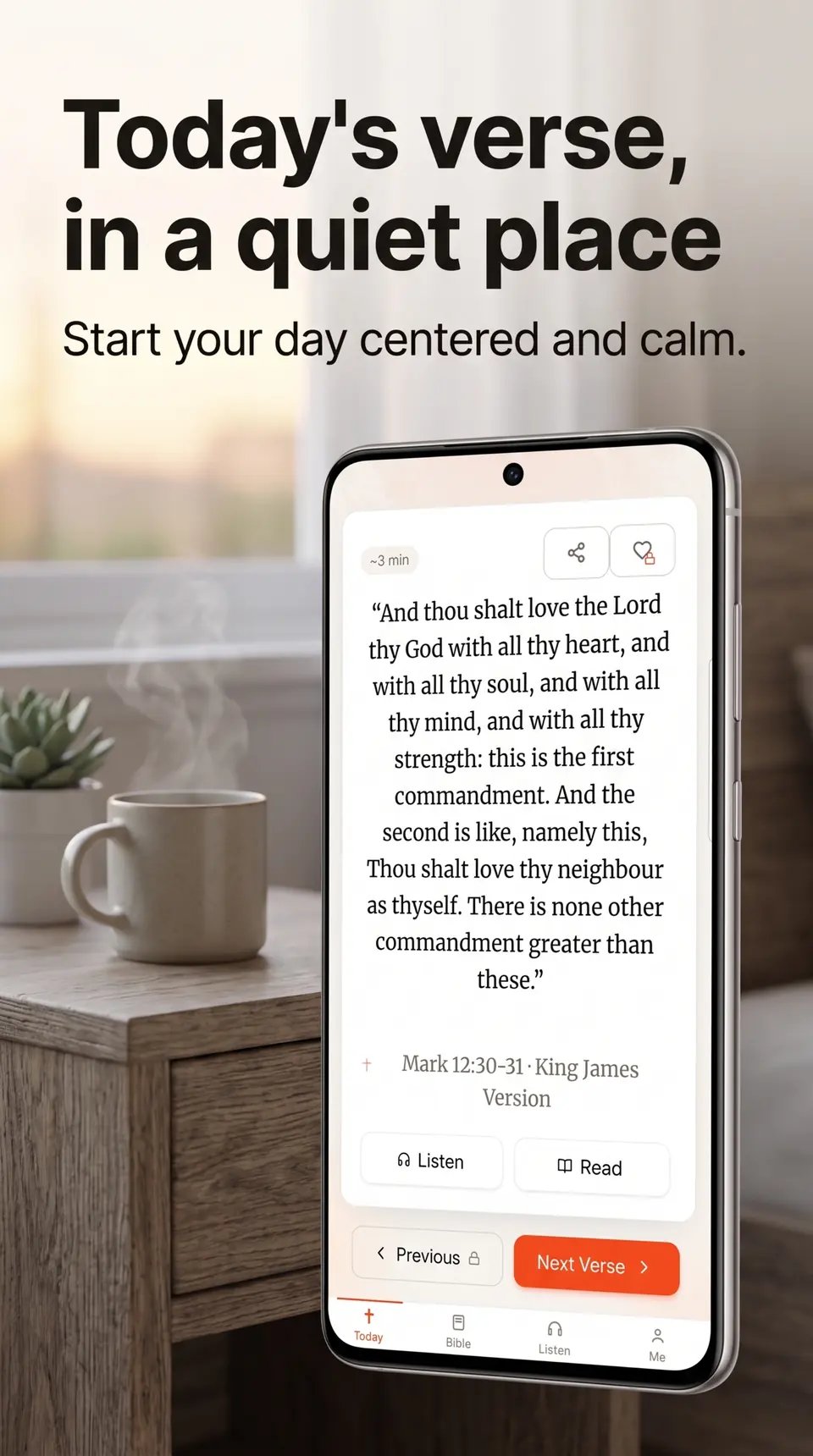
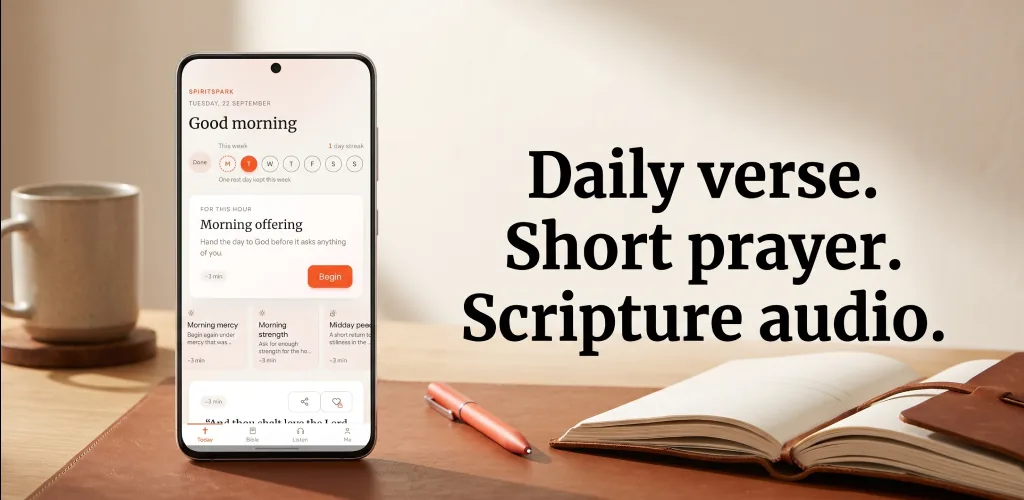
Today shows the date, a greeting, and the verse in a quiet serif. Listen and Read sit under the passage. Next Verse moves forward without a paywall. A gentle week marker can sit above the card. It is a soft signal, not a streak you are punished for losing.
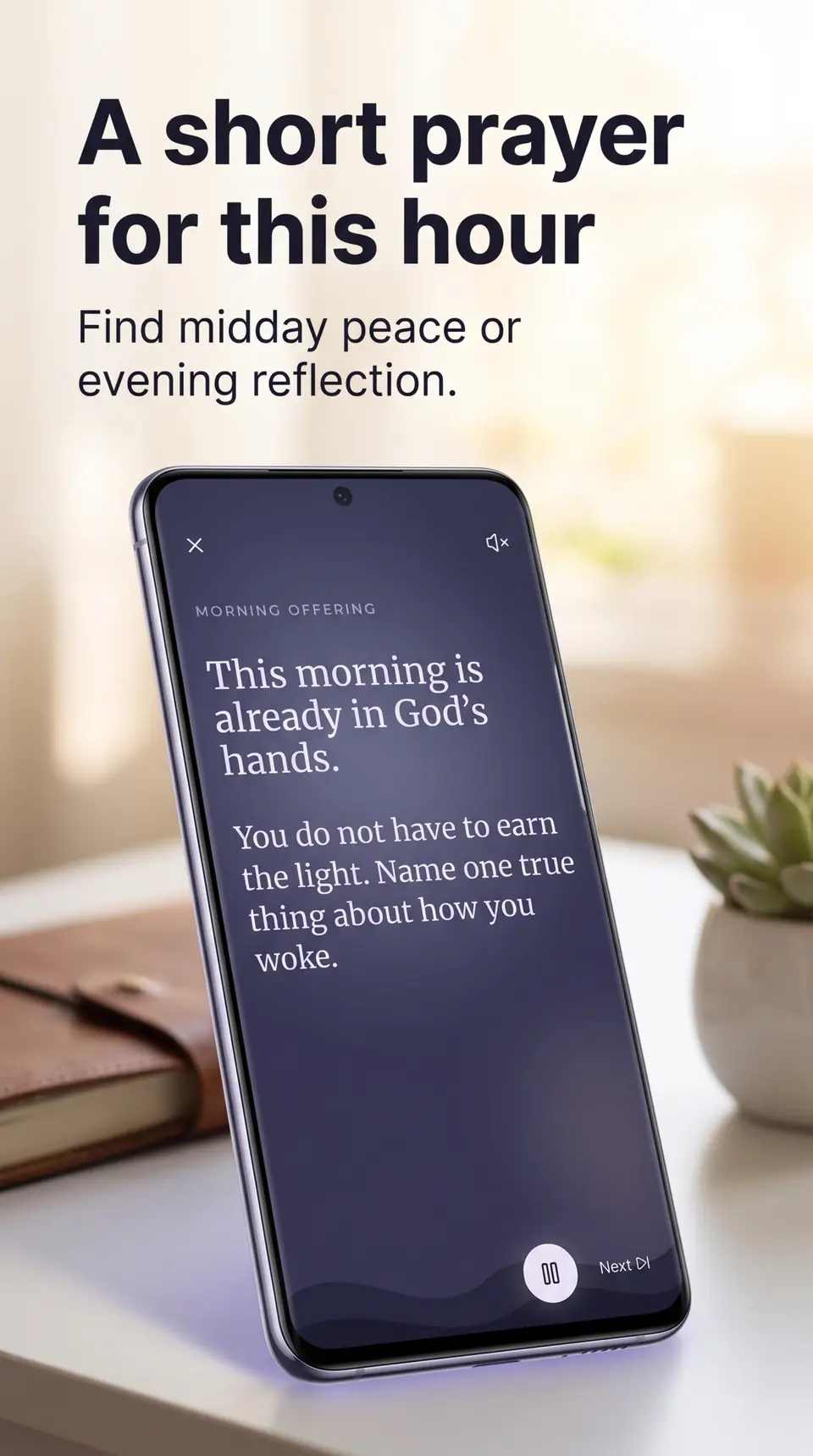
Morning, midday, and evening each have a featured session. An anytime shelf covers thanks, before sleep, a heavy day, be still, intercession, asking for help, and an anxious heart. The session is words, a little quiet, a line of Scripture, and a close. Some use recorded audio. Others use spoken text. It is a few minutes, not a catalog of courses.
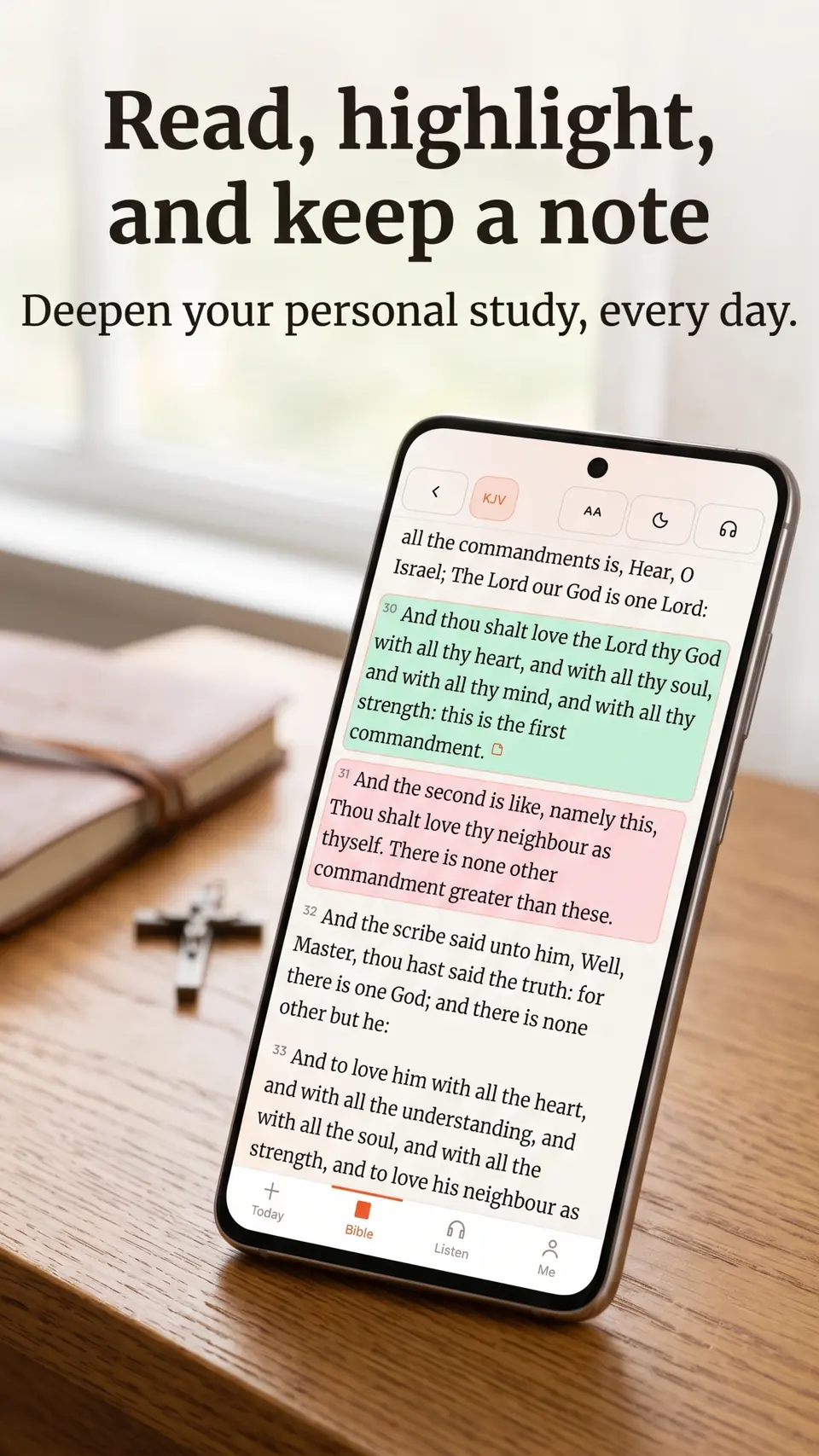
The Bible tab is a reader: book, chapter, verse. Switch translation, step the type size, highlight, and write a private note that stays on the device. From a verse on Today you can open the same passage here. World English Bible is the default text. King James Version is included, along with other public-domain translations.
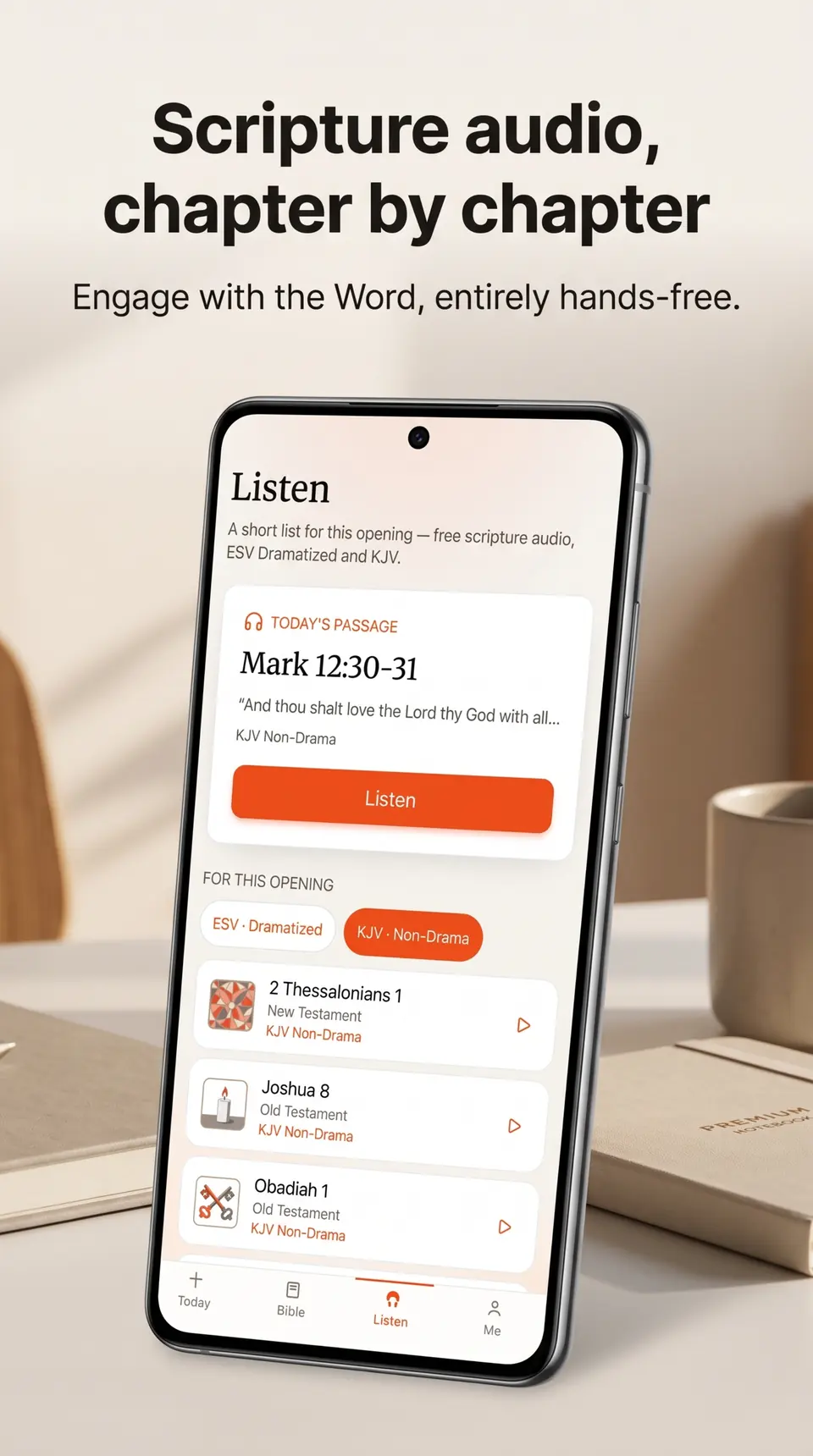
Listen plays free chapter audio: ESV Dramatized and King James Version. Start from today’s passage or choose a chapter. You can pause, skip, and keep a queue. Playlists and a listen library are Premium. The audio itself is not. This page’s verse desk is text. Hearing the chapter is what the app is for.
Open SpiritSpark and you are on today’s verse. Begin the short guided prayer for the hour, about two to four minutes. Then read the passage in the Bible tab or listen to the chapter in ESV or KJV. No account is required, and the verse, the reader, the prayer, and the audio stay free.
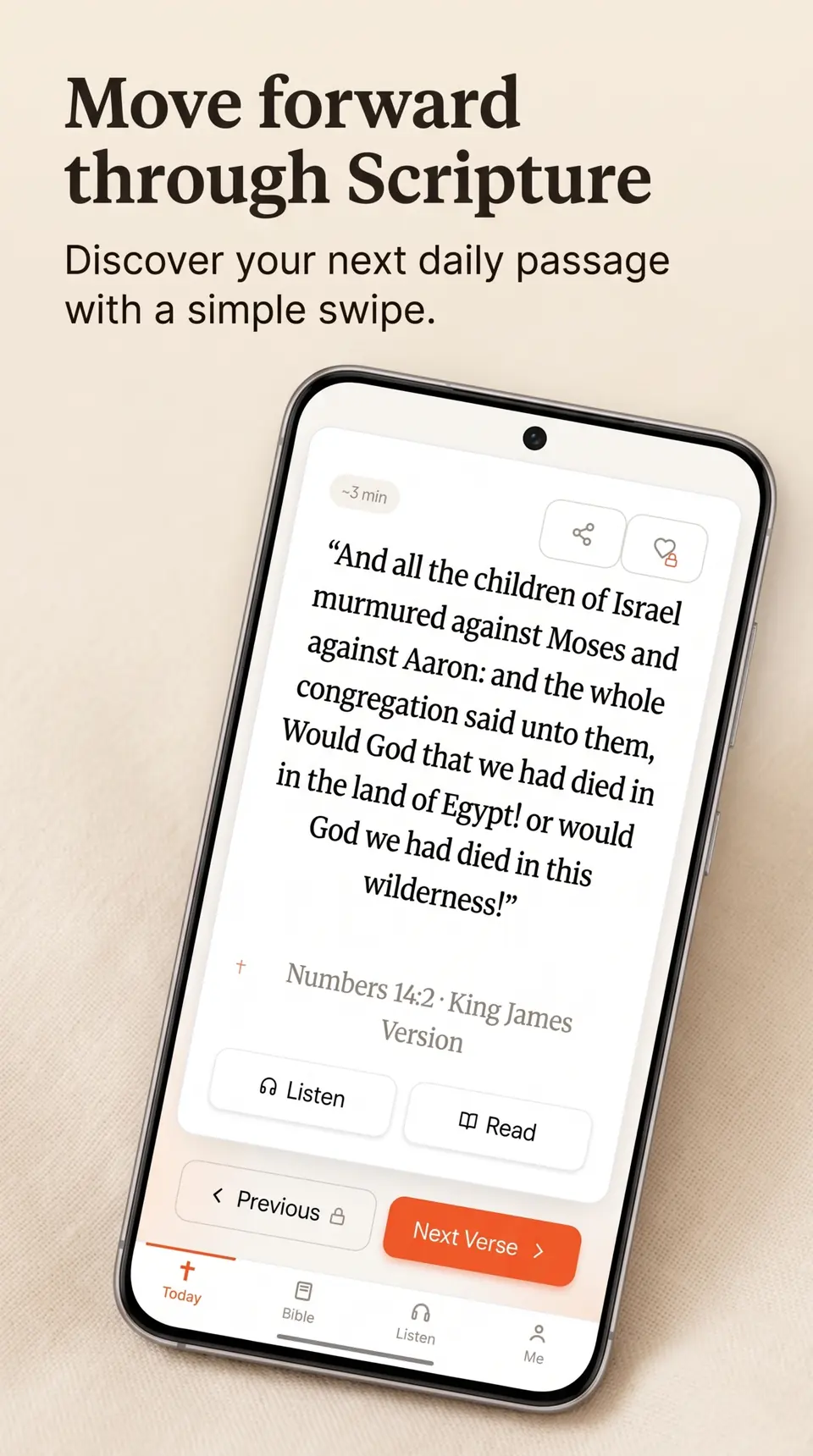
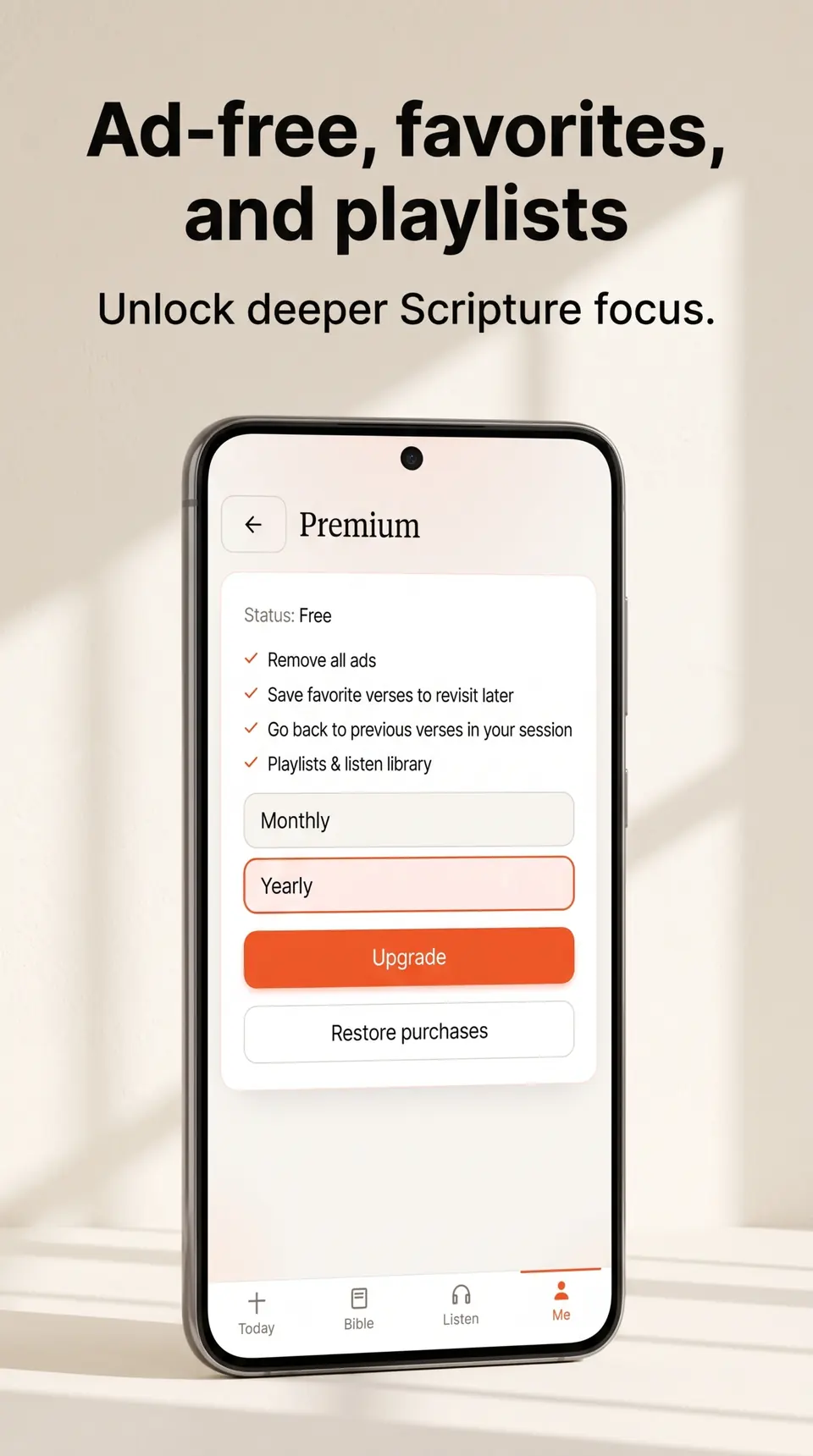
Premium is convenience. It removes ads, saves favorite verses on the device, lets you step back to a previous verse in the session, and adds listen playlists. The price is on Google Play. It is not printed here, and it is not required to read, pray, or listen.
The free Android app may show an occasional fullscreen ad at a natural break. It is not a banner stuck to the reader. You can watch a short rewarded video to mute ads for a while. That is optional.
| In SpiritSpark | Free | Premium |
|---|---|---|
| Daily verse and Next Verse | Included | Included |
| Guided prayer | Included | Included |
| Bible reader, highlights, and notes | Included | Included |
| ESV and KJV chapter audio | Included | Included |
| Fullscreen ads on Android | Occasional | Removed |
| Favorite verses | Not included | Included |
| Previous verse in the session | Not included | Included |
| Listen playlists | Not included | Included |
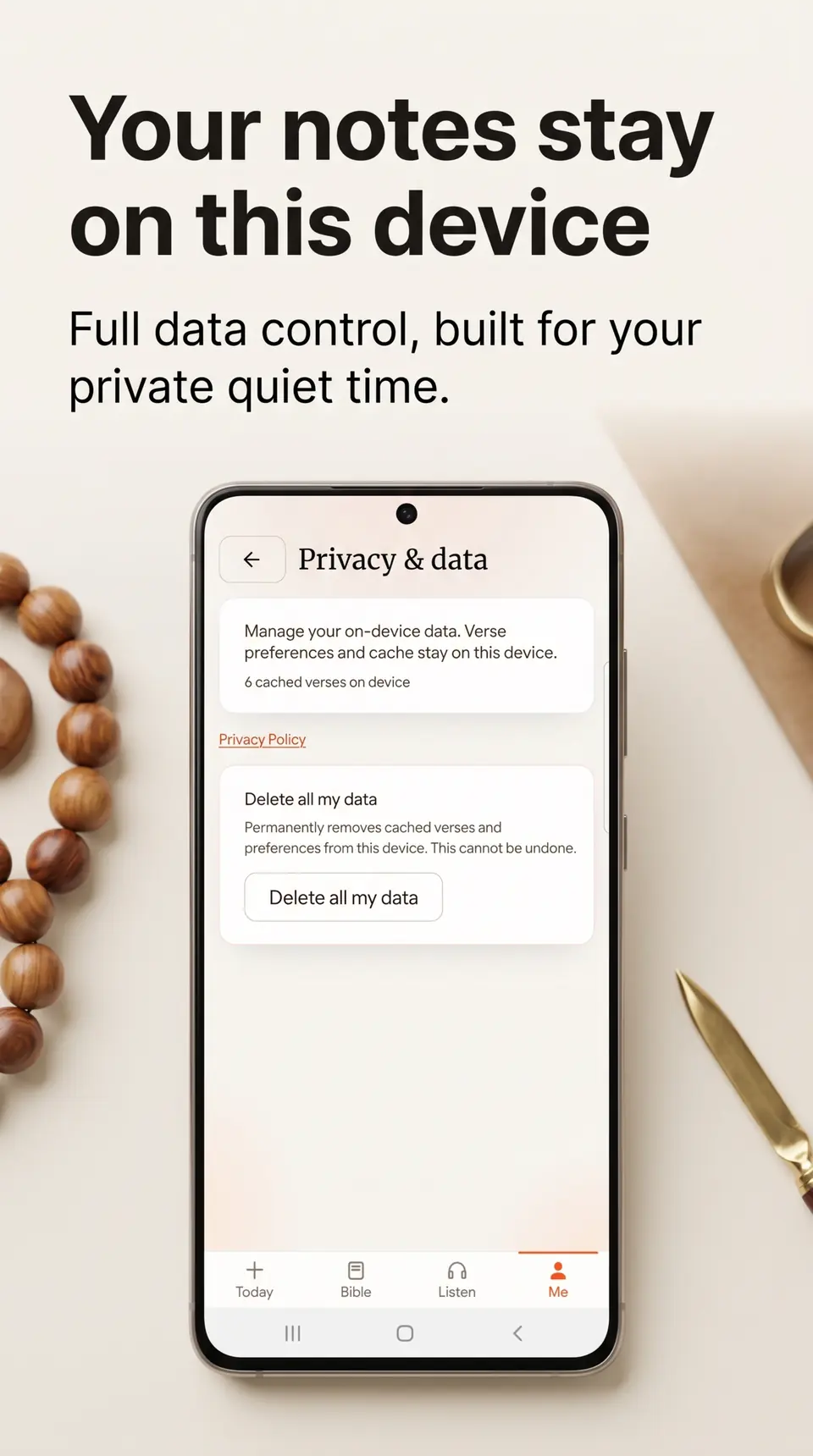
Highlights, notes, and cached chapters live on the device. You can delete that data from Privacy & data. The privacy policy is the Knox Studios policy. A chapter you have opened can come back without a new download. The first time you open a passage, or play audio you have not heard, the phone may need a connection.
SpiritSpark is a calm Christian app from Knox Studios for a daily Bible verse, a short guided prayer, Bible reading, and free Scripture audio. It is a quiet start, without a course library, a social feed, or an account.
Yes. The verse desk fetches a passage you type, such as John 3:16 or Psalm 23, in the King James Version, the World English Bible, or the American Standard Version. Text comes from the public-domain bible-api.com service. You can also open a verse chosen for today’s date.
Not always. This page picks a passage for the date so you can read something immediately. SpiritSpark on your phone has its own Today verse, plus a short guided prayer and chapter audio.
The daily verse, Next Verse, the Bible reader, guided prayer, and Scripture audio stay free. The free Android app may show an occasional fullscreen ad. Premium is optional. It removes ads and adds favorites, previous verses in the session, and listen playlists. It does not lock Scripture.
No. Reading, prayer, and listening do not require sign-in. If you buy Premium, the store account on your phone handles the purchase.
Yes. The Listen tab plays chapter audio in the ESV Dramatized recording and the King James Version. That audio is free. Playlists are part of Premium. This website’s verse desk is text only.
In the app, the default text is the World English Bible, and the King James Version is included, along with other public-domain translations such as the American Standard Version. Audio is ESV and KJV, so not every text has a matching recording. The verse desk on this page offers KJV, WEB, and ASV.
A verse or chapter you have already opened can load again from the phone. A new passage, or an audio chapter you have not played, may need a connection the first time.
Knox Studios makes SpiritSpark in Valley, Alabama. The studio page is on knoxstudios.net, and the Android app is on Google Play.
SpiritSpark is one app from Knox Studios. The studio page describes the four tabs, Today, Bible, Listen, and Me, and links here. Questions about the studio go through the contact form on that page.
SpiritSpark Verse, prayer, audio
Get app